History that remembers
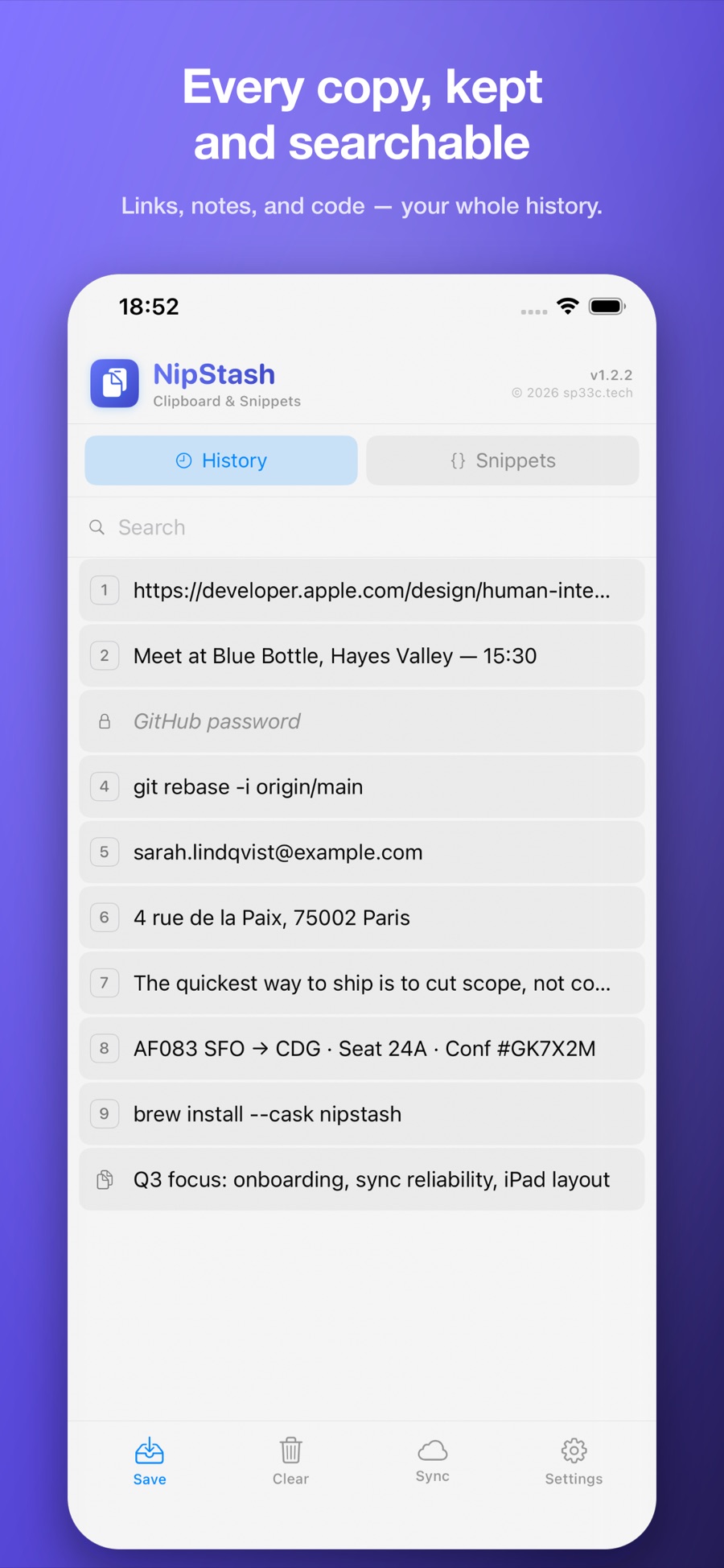
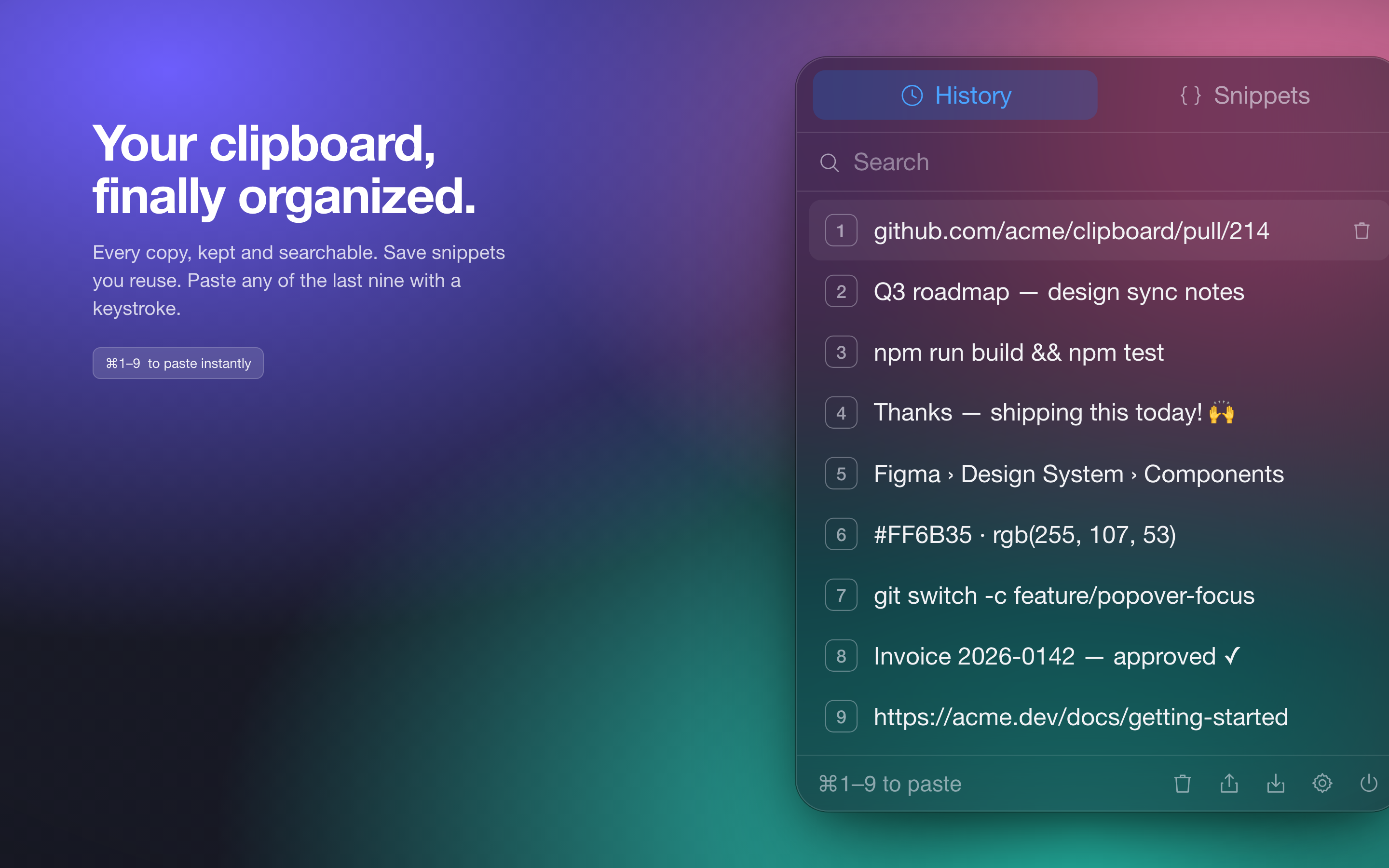
Every copy is captured automatically, de-duplicated, and kept across launches. Tap a row to paste it straight into the app in front.
Every copy, kept and searchable. Save the snippets you reuse and reach any of them in a tap — or a keystroke. On iPhone, iPad, and Mac, always in sync.
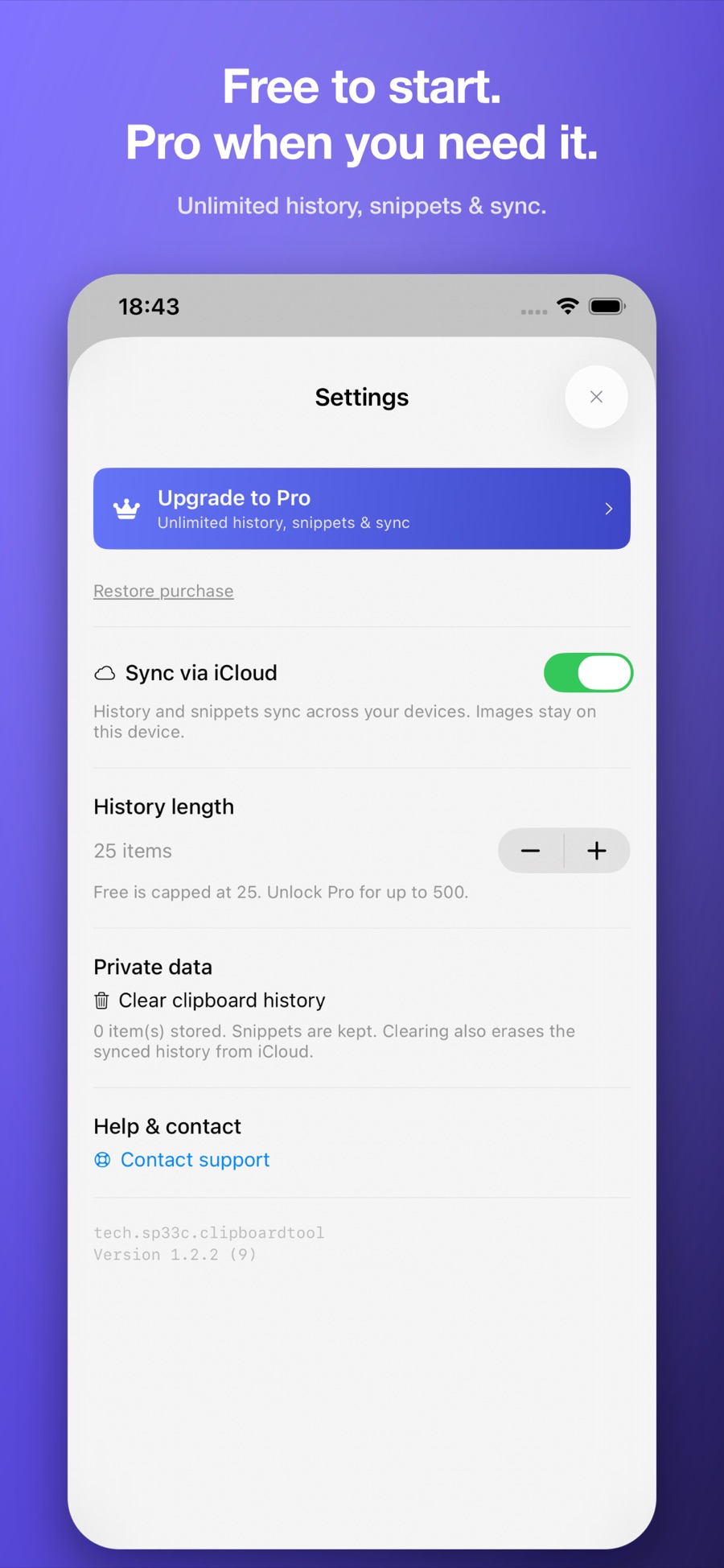
Free · Pro unlock · iPhone, iPad & Mac · One purchase, all your devices
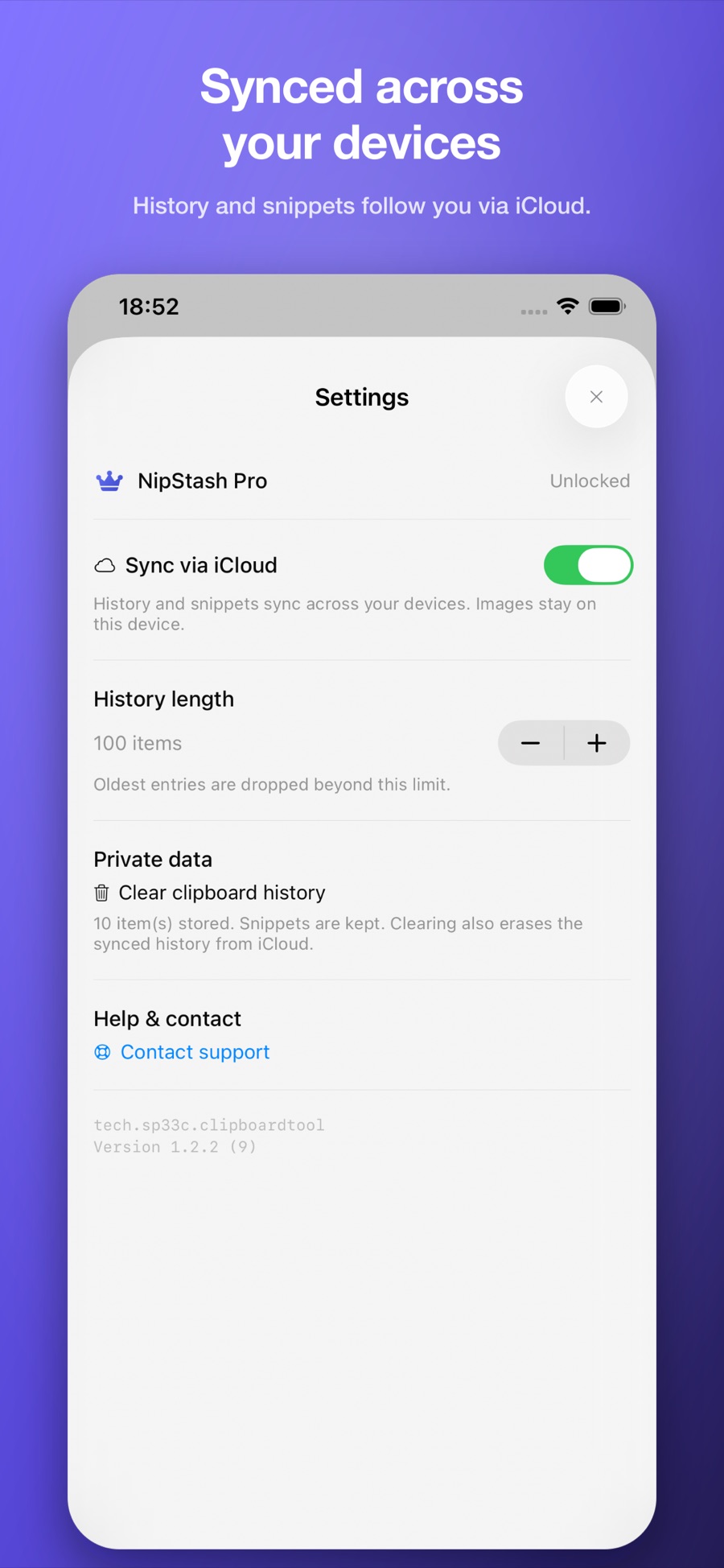
Save anything from the share sheet, reach your history and snippets with a tap, lock sensitive clips behind Face ID, and let iCloud keep everything in sync across your devices.
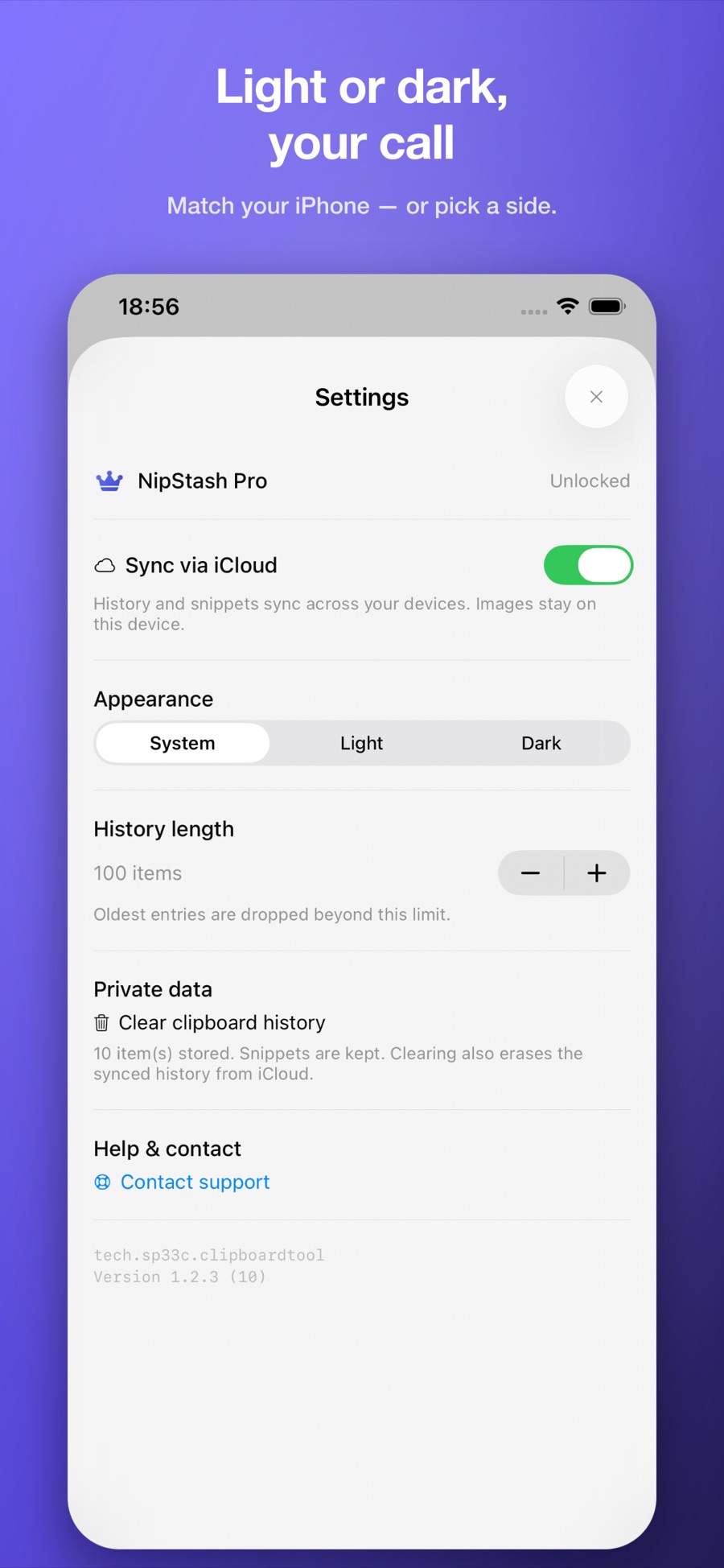
NipStash does one job and gets out of your way — your clipboard a tap or a keystroke away, on every device you own.
Every copy is captured automatically, de-duplicated, and kept across launches. Tap a row to paste it straight into the app in front.
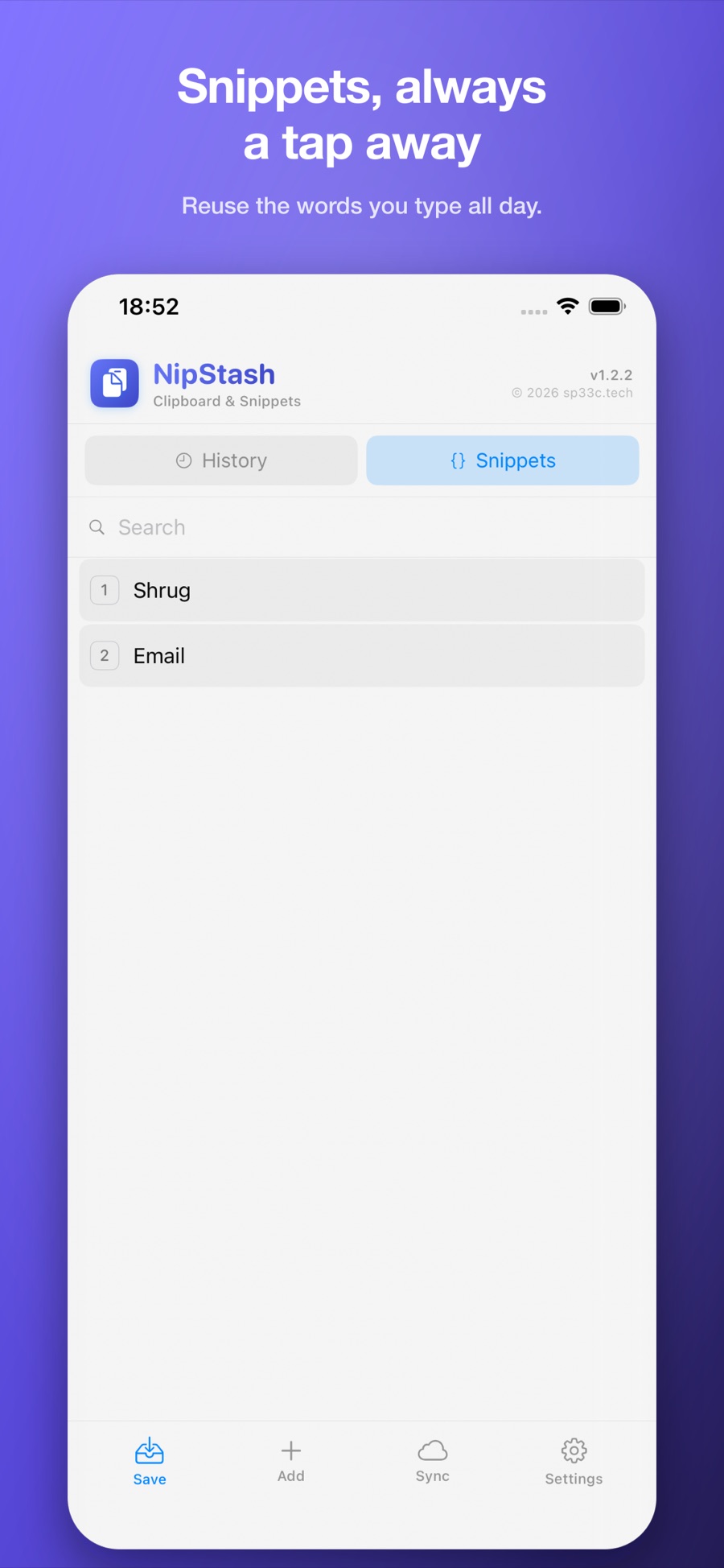
Save the boilerplate you type all day — addresses, commands, replies. Define, edit, and paste them in a single tap.
On iPhone and iPad, tap any clip to copy it. On Mac, open with ⌘⇧V and press ⌘1–9 to drop any of your last nine onto the clipboard, ready to paste.
Everything stays on your devices — no account, no telemetry. Sync runs through your own private iCloud, and turning it off keeps every clip on the device.
The same history and snippets, a keystroke away. No Dock icon, no window to manage — open the slim popover from anywhere with ⌘⇧V and paste any of your last nine with ⌘1–9.
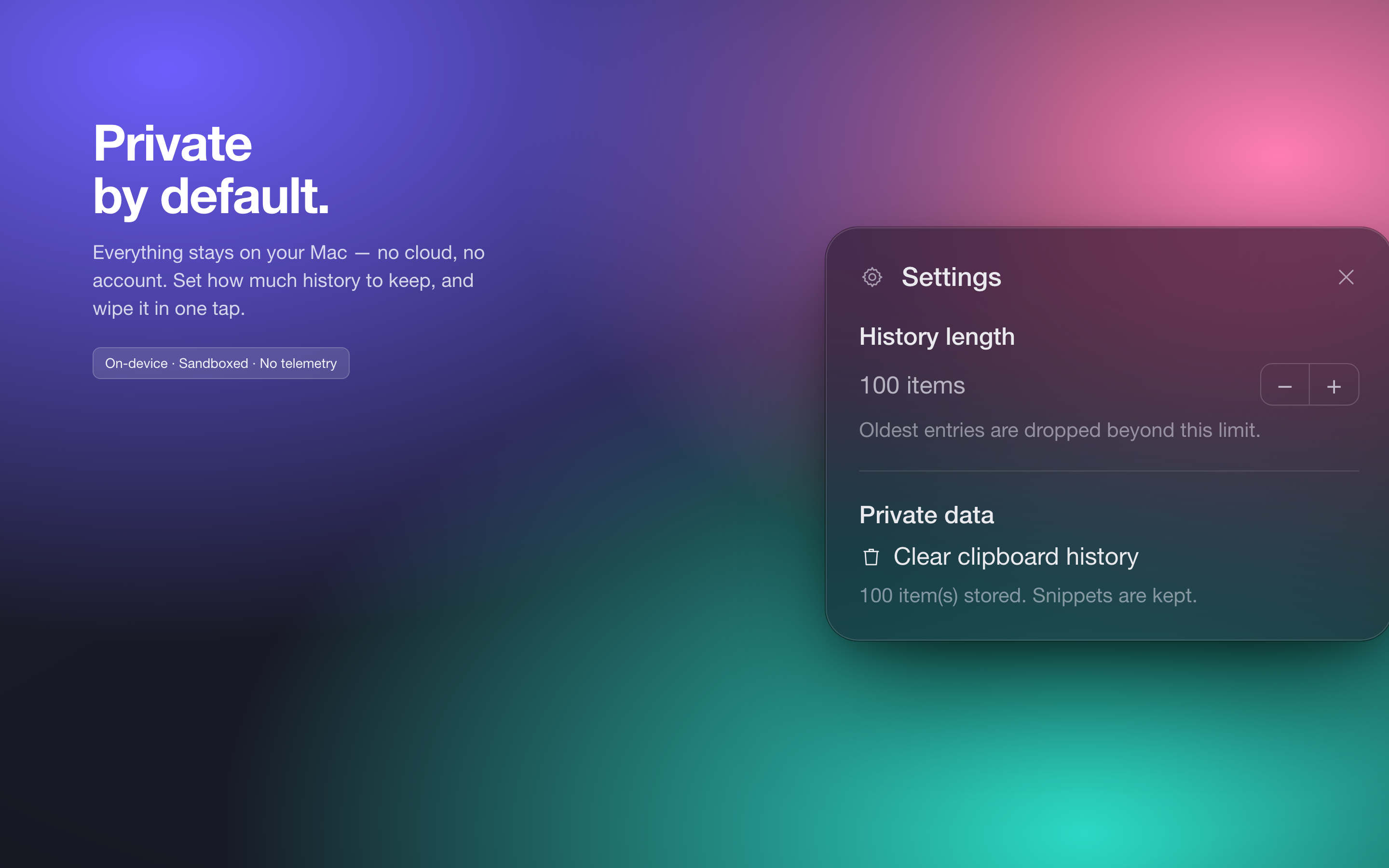
No account to create, no third-party servers, nothing phoning home. History lives on-device — and when you turn on sync, it travels through your own private iCloud. Choose how much to keep, and clear it all whenever you like.
One download, on every device you own. Never lose a copy again.
iPhone, iPad & Mac · Free with an optional Pro unlock